Setup Iptv On Smart Tv
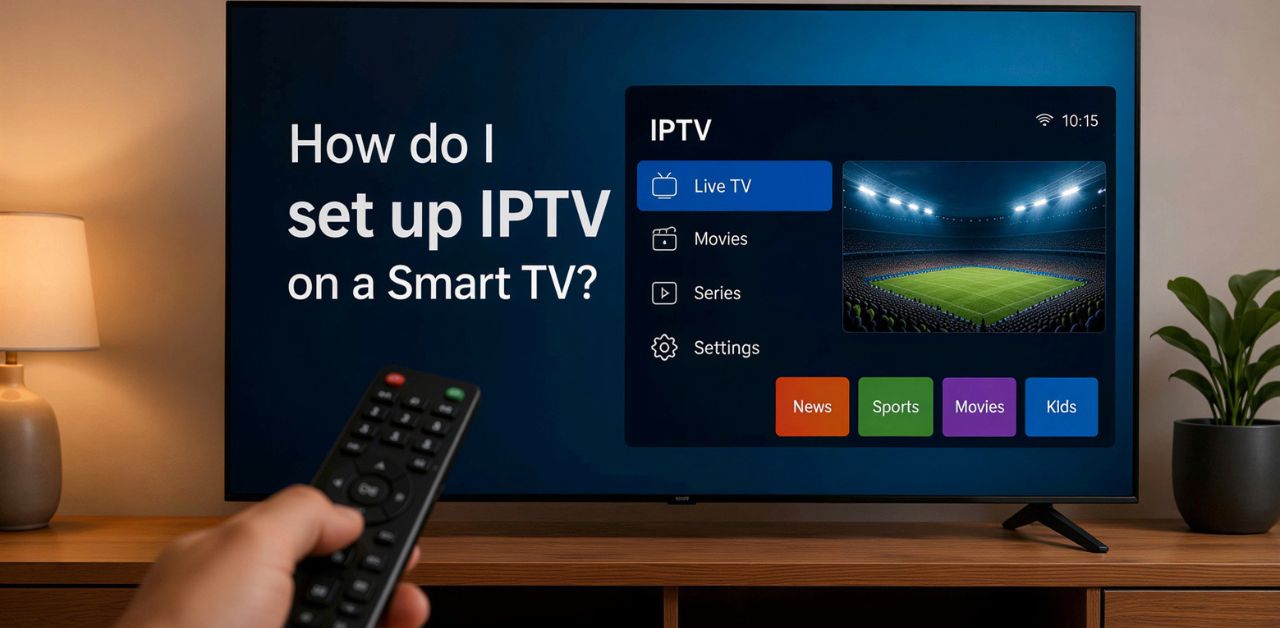
If you're wondering how to Set Up IPTV on a Smart TV in the UK, you're in the right place. Smart TVs have transformed home entertainment by allowing users to access internet-based content without needing additional hardware in many cases. IPTV (Internet Protocol Television) delivers television channels and on-demand content over an internet connection rather than traditional cable or satellite services.
Setting up IPTV on a Smart TV is generally straightforward, but the exact process depends on your television's operating system and the application you choose. This guide explains everything you need to know from checking compatibility to installing an IPTV player, entering your playlist details, and solving common setup issues.
Whether you own a Samsung, LG, Android TV, Google TV, or another Smart TV, this guide will help you complete the setup quickly and efficiently.
What Is IPTV?
IPTV stands for Internet Protocol Television, a technology that streams television content over an internet connection instead of traditional broadcasting methods.
Unlike satellite or cable television, IPTV allows users to access live TV channels, video-on-demand libraries, catch-up TV, and other digital media using broadband internet.
Common IPTV content includes:
- Live television channels
- Movies
- TV series
- Sports
- News
- Documentaries
- On-demand entertainment
The quality of your viewing experience largely depends on your internet speed, device performance, and the quality of your IPTV playlist.
Why Use IPTV on a Smart TV?
Using IPTV directly on a Smart TV offers several advantages.
Simple Installation
Many Smart TVs support IPTV player applications directly from their app stores, eliminating the need for external streaming devices.
Better Viewing Experience
Modern Smart TVs support:
- 4K resolution
- HDR content
- Dolby Audio
- Large screen displays
- High refresh rates
These features create a premium entertainment experience.
Convenient Interface
Using one remote control simplifies navigation between apps and settings.
Wireless Streaming
Most Smart TVs connect through Wi-Fi, making installation clean and cable-free.
Requirements Before Setting Up IPTV
Before starting, ensure you have the following:
- A compatible Smart TV
- Stable broadband internet connection
- IPTV player application
- IPTV playlist (M3U URL or Xtream API details, if supported by your chosen player)
- TV remote
- Updated Smart TV software
Meeting these basic requirements helps ensure a smoother setup process.
How to Set Up IPTV on Smart TV UK
Connect Your Smart TV to the Internet
Navigate to:
Settings → Network → Wi-Fi
Connect your TV to a reliable internet connection.
For the best streaming performance:
- Minimum 25 Mbps for HD
- 50 Mbps or higher for 4K streaming
- Use Ethernet where possible for greater stability
Update Your TV Software
Keeping your TV updated improves:
- Security
- Performance
- App compatibility
- Streaming stability
Go to:
Settings → Software Update
Install any available updates before proceeding.
Open Your TV's App Store
Every Smart TV includes its own application marketplace.
Examples include:
- Samsung Smart Hub
- LG Content Store
- Google Play Store (Android TV)
- Google TV Apps
- Amazon Appstore (where applicable)
Search for an IPTV player compatible with your TV's operating system.
Install an IPTV Player
Download and install a trusted IPTV UK player application that supports playlist formats such as M3U or Xtream-compatible connections.
Once installed, launch the application.
Add Your Playlist
Inside the IPTV player:
- Select Add Playlist or Add New User
- Choose the playlist type supported by your application
- Enter the required playlist information carefully
- Save the configuration
The application will begin loading available channels and content.
Best IPTV APPS For Streaming.
Organize Channels
Many IPTV applications allow you to:
- Create favorites
- Hide unwanted categories
- Rearrange channel lists
- Customize menus
Organizing your content makes navigation easier.
Download IPTV Smarters Pro to quickly set up your IPTV service on your Smart TV with an easy-to-use interface and seamless streaming experience.
Configure Video Settings
Adjust playback settings for the best experience.
Recommended settings include:
- Auto resolution
- Hardware decoding (if available)
- Buffer optimization
- Aspect ratio set to Auto
Test Playback
Open a channel or on-demand title to verify:
- Video quality
- Audio synchronization
- Channel loading speed
- Stability
If playback is smooth, your setup is complete.
Compatible Smart TV Platforms
Most major Smart TV operating systems support IPTV player applications.
These include:
- Android TV
- Google TV
- Samsung Smart TV
- LG Smart TV
- Fire TV Edition
- Roku TV (where supported)
- VIDAA
- Titan OS (selected models)
Always verify app availability for your specific TV model.
Best Internet Speed for IPTV
A stable internet connection is essential for uninterrupted streaming.
| Video Quality | Recommended Broadband Speed | Ideal For |
|---|---|---|
| SD (480p) | 10 Mbps | Basic streaming on slower connections |
| HD (720p) | 25 Mbps | Smooth everyday viewing |
| Full HD (1080p) | 35 Mbps | Crisp picture quality with minimal buffering |
| 4K Ultra HD | 50 Mbps or higher | Ultra-clear streaming with the best viewing experience |
Using a wired Ethernet connection can improve consistency, especially for higher resolutions.
Common IPTV Setup Problems
Buffering
Possible causes:
- Slow internet connection
- Network congestion
- Weak Wi-Fi signal
Solutions:
- Restart your router
- Move closer to the Wi-Fi router
- Use Ethernet
- Close other bandwidth-intensive devices
Playlist Not Loading
Possible reasons:
- Incorrect playlist details
- Internet connection issues
- Temporary server downtime
Double-check the information entered and ensure your connection is active.
App Crashes
Try the following:
- Restart the TV
- Update the application
- Clear the app cache (if supported)
- Reinstall the application
No Audio
Check:
- TV volume
- Audio output settings
- HDMI settings (if using an external device)
- Alternative audio tracks within the app
Tips for Better IPTV Streaming
For a smoother viewing experience:
- Keep your Smart TV updated.
- Use a high-speed broadband connection.
- Prefer Ethernet over Wi-Fi when possible.
- Restart your router periodically.
- Close unnecessary background apps.
- Ensure your IPTV player is updated.
- Organize your playlists for easier navigation.
Security and Privacy Considerations
When using IPTV UK Subscription applications:
- Download apps only from official app stores.
- Keep your TV software updated.
- Use strong passwords for any associated accounts.
- Be cautious when entering playlist information.
- Ensure you have the necessary rights to access the content you stream and comply with applicable copyright laws.
Practicing good digital hygiene helps protect your privacy and device security.
Advantages of IPTV on Smart TVs
Some key benefits include:
- No satellite dish required
- Easy installation
- Large-screen viewing
- High-definition streaming
- On-demand content
- User-friendly interfaces
- Flexible content organization
- Compatibility with many Smart TV platforms
Frequently Asked Questions
Can I use IPTV on any Smart TV?
Many modern Smart TVs support IPTV player applications. Compatibility depends on your TV model and operating system.
Do I need a streaming device?
Not always. Many Smart TVs can run IPTV player applications directly. If your TV does not support a suitable app, an external streaming device may be an alternative.
What internet speed is recommended?
For HD streaming, at least 25 Mbps is generally recommended. For 4K content, 50 Mbps or higher is advisable.
Why does IPTV keep buffering?
Buffering is often caused by slow internet speeds, Wi-Fi interference, or network congestion. Improving your connection can help reduce interruptions.
Is Ethernet better than Wi-Fi?
Yes. Ethernet usually provides a more stable and consistent connection, especially for high-resolution streaming.
Why won't my playlist load?
Check that your playlist details are entered correctly, your internet connection is working, and the playlist source is accessible.
How often should I update my IPTV player?
Install updates whenever they become available to benefit from improved security, compatibility, and performance.
Can I organize my channels?
Many IPTV player applications allow you to create favorites, reorder channels, and hide categories for easier navigation.
Conclusion
Learning how to Set Up IPTV on Smart TV UK is a straightforward process when you follow the correct steps. Begin by ensuring your Smart TV is connected to a stable internet connection and updated with the latest software. Install a compatible IPTV player, add your playlist details, configure your preferred settings, and test playback to confirm everything is working correctly.
Maintaining a reliable internet connection, keeping your applications up to date, and organizing your channels will contribute to a smoother viewing experience. By following the guidance in this article and ensuring you access content legally, you can enjoy the convenience and flexibility that IPTV offers on your Smart TV in the UK.
Simple, Transparent Pricing
Choose the plan that works best for you. All plans include our 30-Day Money-Back Guarantee.
Limited Time Flash Sale!
Prices will return to normal after the timer ends.
Monthly
Perfect for trying out our service
-
28,000+ Live TV Channels
-
Full HD & 4K Quality
-
7-Day Catch Up
-
VOD Library (Movies & Series)
-
Use on 1 Device
-
24/7 Support via WhatsApp
3 Months
Great value for short term
-
28,000+ Live TV Channels
-
Full HD & 4K Quality
-
7-Day Catch Up
-
VOD Library (Movies & Series)
-
Use on 2 Devices Simultaneously
-
24/7 Support via WhatsApp
-
Save over 20% vs Monthly
Annual
Best value for loyal customers
12 Months + 2 Months FREE
-
28,000+ Live TV Channels
-
Full HD & 4K Quality
-
7-Day Catch Up & Recording
-
Premium VOD Library (Updated Daily)
-
Use on 3 Devices Simultaneously
-
VIP 24/7 Support
-
Save over 60% vs Monthly
-
Free Setup Assistance
Quarterly
Popular choice for commitment
-
28,000+ Live TV Channels
-
Full HD & 4K Quality
-
7-Day Catch Up & Recording
-
Extensive VOD Library
-
Use on 2 Devices Simultaneously
-
Priority 24/7 Support
-
Early access to new features
Secure Payment Options
We accept various secure payment methods for your convenience.
Ready for a Longer Test Drive?
Experience the full power of iptvuk.my IPTV with our exclusive 24-hour free trial. Access all 28,000+ channels, VOD, and premium features with no obligation. It's the perfect way to see why we're the UK's favourite IPTV provider!
Contact Us
Have questions or need assistance? We're here to help!
Get in Touch
Email Us
contact@iptvuk.my
Available 24/7
Call Us
+447404860675
Available 24/7
Live Chat
Available on our website
Response time: Under 5 minutes
Our Hours
Customer Support: 24/7
Sales Department: Mon-Fri, 9am-6pm GMT
Technical Support: 24/7
