How to Set Up IPTV on IBO Player (Complete Beginner’s Guide)
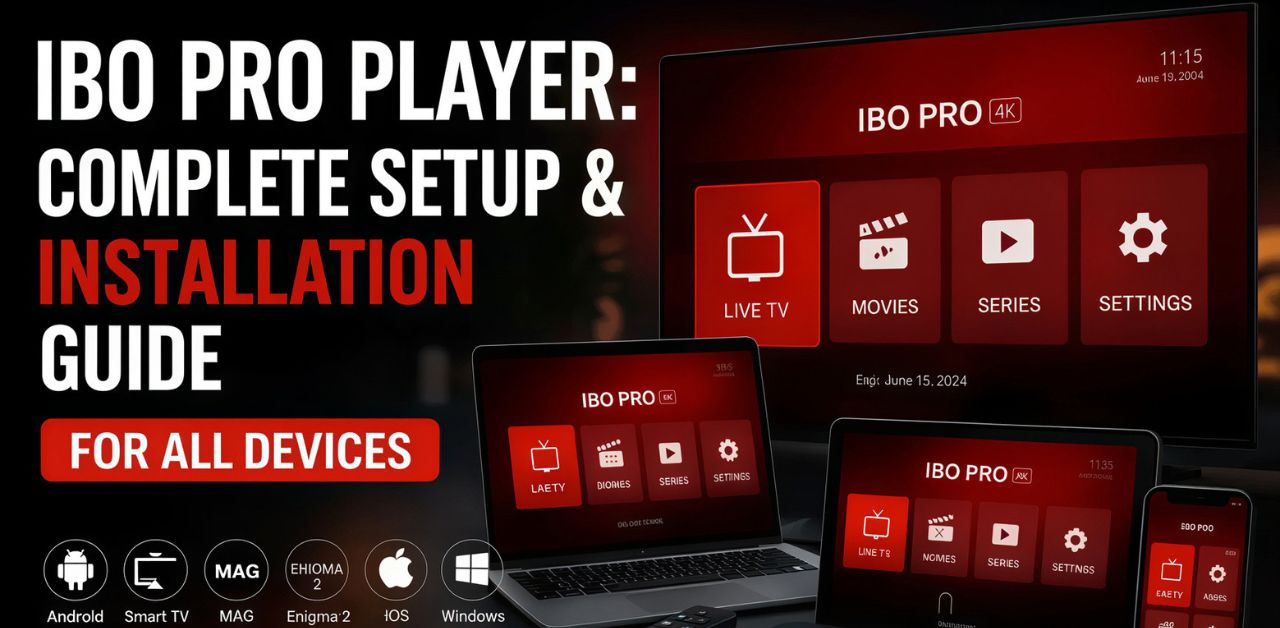
Setting up IPTV on IBO Player is quick and straightforward when you follow the correct steps. This guide explains everything you need to know for Smart TV, Android TV, Fire TV, and other compatible devices.
By the end of this tutorial, you’ll know how to install IBO Player, activate the application, upload your IPTV playlist, troubleshoot common problems, and enjoy uninterrupted streaming using your subscription from iptvuk.my.
What Is IBO Player?
IBO Player is an IPTV media player designed to stream television channels, movies, and TV series through IPTV playlists supplied by your I
PTV UKprovider.
The application does not include channels or content by default. Instead, it functions as a player that loads playlists provided by your IPTV service.
Once activated, IBO Player offers a smooth interface with features such as:
- High-quality streaming
- Easy playlist management
- Electronic Program Guide (EPG) support
- Favorite channel lists
- Multiple playlist support
- Fast navigation
- Stable performance on Smart TVs
Its clean design and reliable playback make it a popular choice for IPTV users.
Devices That Support IBO Player
IBO Player is available on many streaming devices, including:
- Samsung Smart TVs
- LG Smart TVs
- Android TV
- Google TV
- Amazon Fire TV
- Android TV Boxes
- Compatible streaming devices
Before beginning the setup process, make sure your device is connected to a stable internet connection.
What You Need Before Setup
Before configuring IBO Player, prepare the following:
- A compatible Smart TV or streaming device
- A stable internet connection
- IBO Player installed
- Your Device ID and Device Key
- IPTV playlist provided by iptvuk.my.
- Playlist URL or Xtream Codes login details
Having these ready will make the setup process much faster.
Install IBO Player
Open your device’s application store.
Search for:
IBO Player
Download and install the application.
After installation, launch the app.
When the application opens for the first time, you’ll see two important pieces of information:
Write these down because you’ll need them in the next step.
Activate IBO Player
IBO Player generally offers a trial period before requiring activation.
After the trial expires, activation is required to continue using the app.
Once activated, your playlists remain available without needing to configure everything again.
Obtain Your IPTV Subscription
To stream channels, you’ll need IPTV login information.
When you purchase your IPTV subscription from iptvuk.my, you’ll receive one of the following:
- M3U Playlist URL
- Xtream Codes API
- Username
- Password
- Server URL
Keep these details secure.
Upload Your Playlist
After receiving your IPTV credentials from
iptvuk.my, upload them to IBO Player.
Most users choose one of two methods:
Option 1: M3U Playlist
Paste your M3U playlist URL into the playlist section.
Save your configuration.
Option 2: Xtream Codes
Enter:
- Server URL
- Username
- Password
Save your information.
Restart the application if necessary.
Refresh the Playlist
After saving your playlist:
- Restart IBO Player.
- Allow it to synchronize.
- Wait for channels to load.
- Open Live TV.
- Browse Movies.
- Explore TV Series.
Depending on your internet speed, synchronization usually completes within a few moments.
Set up IPTV on TiviMate in just a few minutes with our easy step-by-step guide and start enjoying seamless streaming today.
Configure the Electronic Program Guide (EPG)
Many IPTV subscriptions include an Electronic Program Guide.
The EPG allows you to:
- View current programs
- Check upcoming shows
- Browse schedules
- Navigate channels more easily.
If your subscription includes EPG data, configure it during playlist setup or follow the instructions provided by iptvuk.my.
Optimize Video Playback
For the best viewing experience:
- Use a wired Ethernet connection whenever possible.
- Maintain internet speeds above 25 Mbps for HD streaming.
- Use 50 Mbps or higher for multiple streams.
- Close unnecessary background applications.
- Keep IBO Player updated.
- Restart your router occasionally.
These simple practices can significantly improve playback quality.
Common IBO Player Setup Problems
Even with proper setup, you may occasionally encounter issues.
Here are the most common ones.
Playlist Not Loading
Possible causes include:
- Incorrect playlist URL
- Typing errors
- Expired IPTV subscription
- Server maintenance
Double-check your login information supplied by iptvuk.my.
Buffering Issues
Buffering usually results from:
- Slow internet
- Wi-Fi interference
- Network congestion
- High device usage
Improving your internet connection often resolves the problem.
Login Errors
Verify:
- Username
- Password
- Server URL
Even a small typo can prevent successful login.
No Channels Displaying
If channels do not appear:
- Refresh the playlist.
- Restart the application.
- Check your subscription status.
- Re-enter your IPTV credentials.
EPG Not Showing
If the program guide is missing:
- Refresh playlist data.
- Reload the guide.
- Wait for synchronization.
- Verify that your subscription includes EPG support.
Best Practices for IBO Player
To maintain reliable streaming:
- Keep your app updated.
- Use a stable internet connection.
- Avoid frequently changing playlists.
- Restart the app occasionally.
- Keep your device software updated.
- Protect your login credentials.
Regular maintenance helps ensure consistent performance.
Why Choose iptvuk.my?
Selecting a reliable IPTV provider is essential for a smooth viewing experience.
At iptvuk.my, we focus on providing high-quality IPTV services with features designed to meet the needs of modern streaming users.
Benefits include:
- Extensive channel selection
- Movies and TV series
- HD and 4K streaming support
- Stable servers
- Fast activation
- Reliable customer support
- Compatibility with IBO Player
- Easy setup process
Whether you’re watching sports, entertainment, documentaries, children’s programming, or international channels, iptvuk.my provides a seamless experience across compatible devices.
Tips for Better Streaming
Improve your IPTV experience by following these recommendations:
- Connect via Ethernet whenever possible.
- Restart your router weekly.
- Keep your Smart TV updated.
- Refresh playlists regularly.
- Avoid overloading your network.
- Use high-speed broadband.
- Restart IBO Player if channels fail to load.
These simple habits help maintain optimal performance.
Frequently Asked Questions
Is IBO Player free?
IBO Player generally offers a limited trial period. Continued use typically requires activation.
Does IBO Player include channels?
No. IBO Player is a media player. Channels are supplied through your IPTV subscription from iptvuk.my.
Which devices support IBO Player?
The application supports many Smart TVs, Android TV devices, Google TV, Fire TV, and compatible streaming devices.
Can I use M3U playlists?
Yes. IBO Player supports M3U playlists provided by iptvuk.my.
Does IBO Player support Xtream Codes?
Yes. Users can configure their IPTV service using Xtream Codes credentials if provided.
Why are my channels buffering?
Buffering is commonly caused by slow internet speeds, Wi-Fi interference, or network congestion.
Can I update my playlist later?
Yes. You can refresh or replace your IPTV playlist whenever necessary.
Is EPG supported?
Yes. If your IPTV subscription includes Electronic Program Guide data, IBO Player can display TV schedules.
Conclusion
Setting up IPTV on IBO Player is a simple process when you have the correct IPTV credentials and follow each step carefully. After installing the app, activating it, and adding your playlist, you’ll be ready to enjoy live television, movies, and series on your preferred device.
For a dependable IPTV experience with straightforward setup and compatibility with IBO Player, choose iptvuk.my to get the subscription details and support you need to get started quickly. Keep your application updated, maintain a stable internet connection, and refresh your playlist as needed to enjoy smooth, reliable streaming.
